
It rings through Silent.
Built on AlarmKit in iOS 26. The alarm rings through the silent switch, Focus, and Do Not Disturb, and still rings when the app is closed.

Stop re-arms it.
Stop belongs to the system alert, not to Wakeproof. The app re-arms, so the mission is what ends the ring. A Stop shows up in the report as stopped early.
Every wake, logged.
Average wake-up, time to wake, and how each morning ended.

Nine missions.
Stack up to three on one alarm.

-
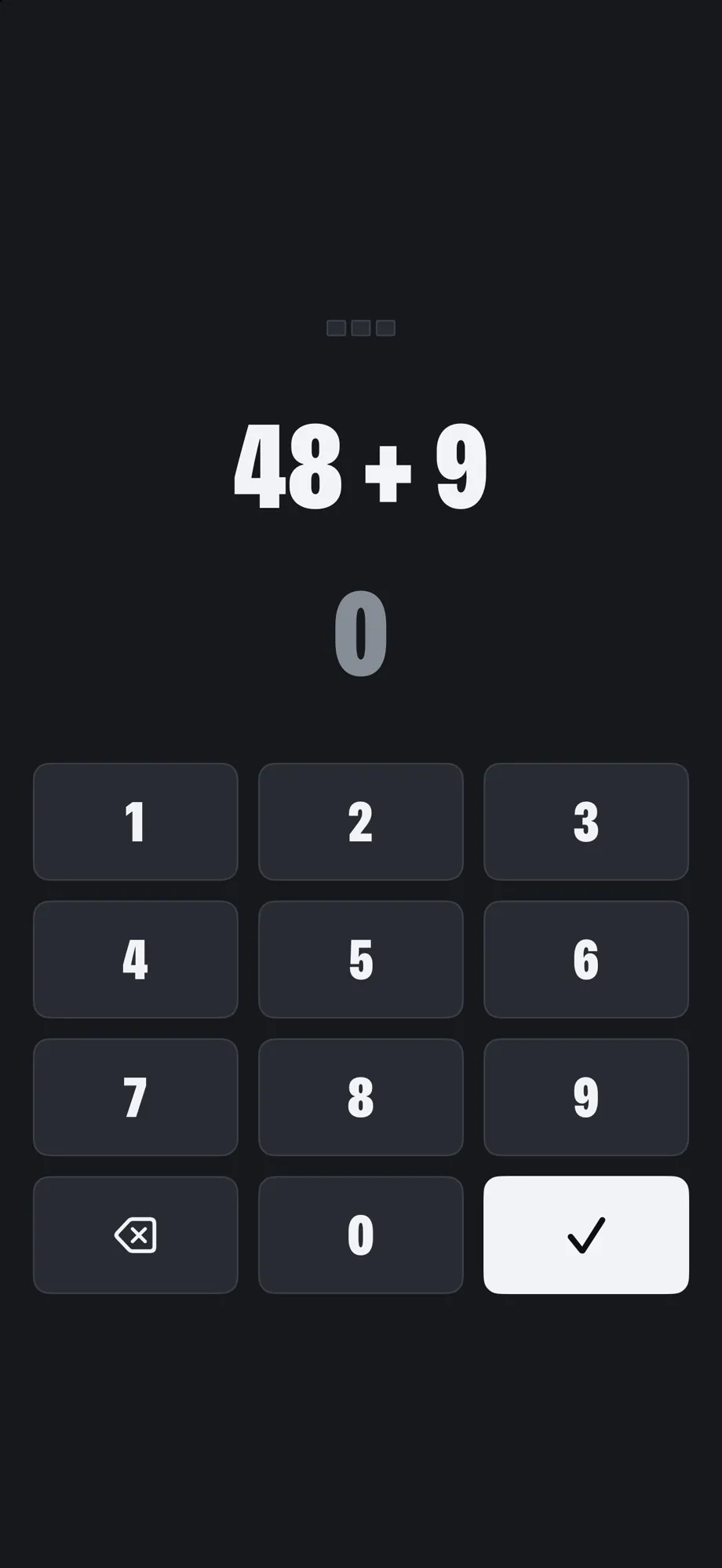
Math Solve a few problems.
-
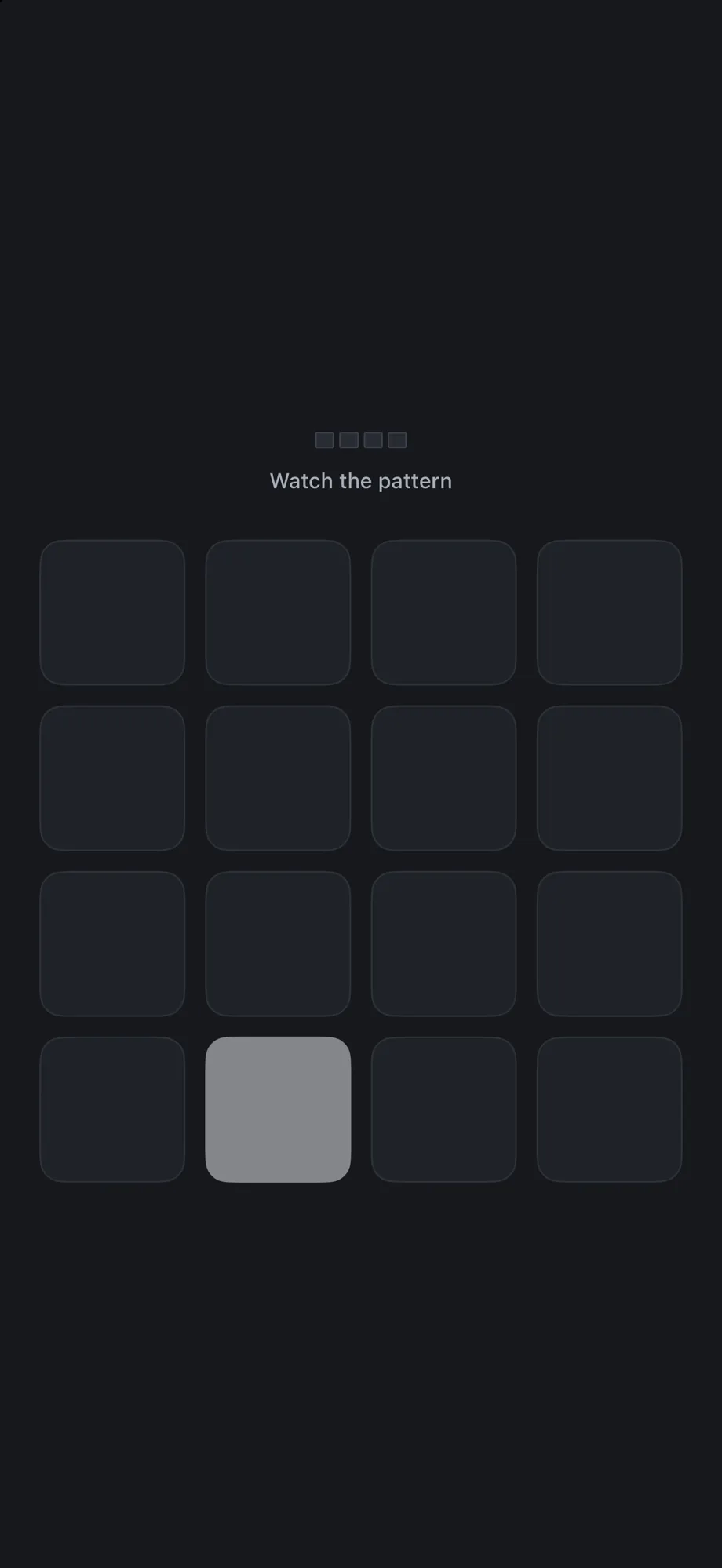
Memory Repeat a pattern back.
-
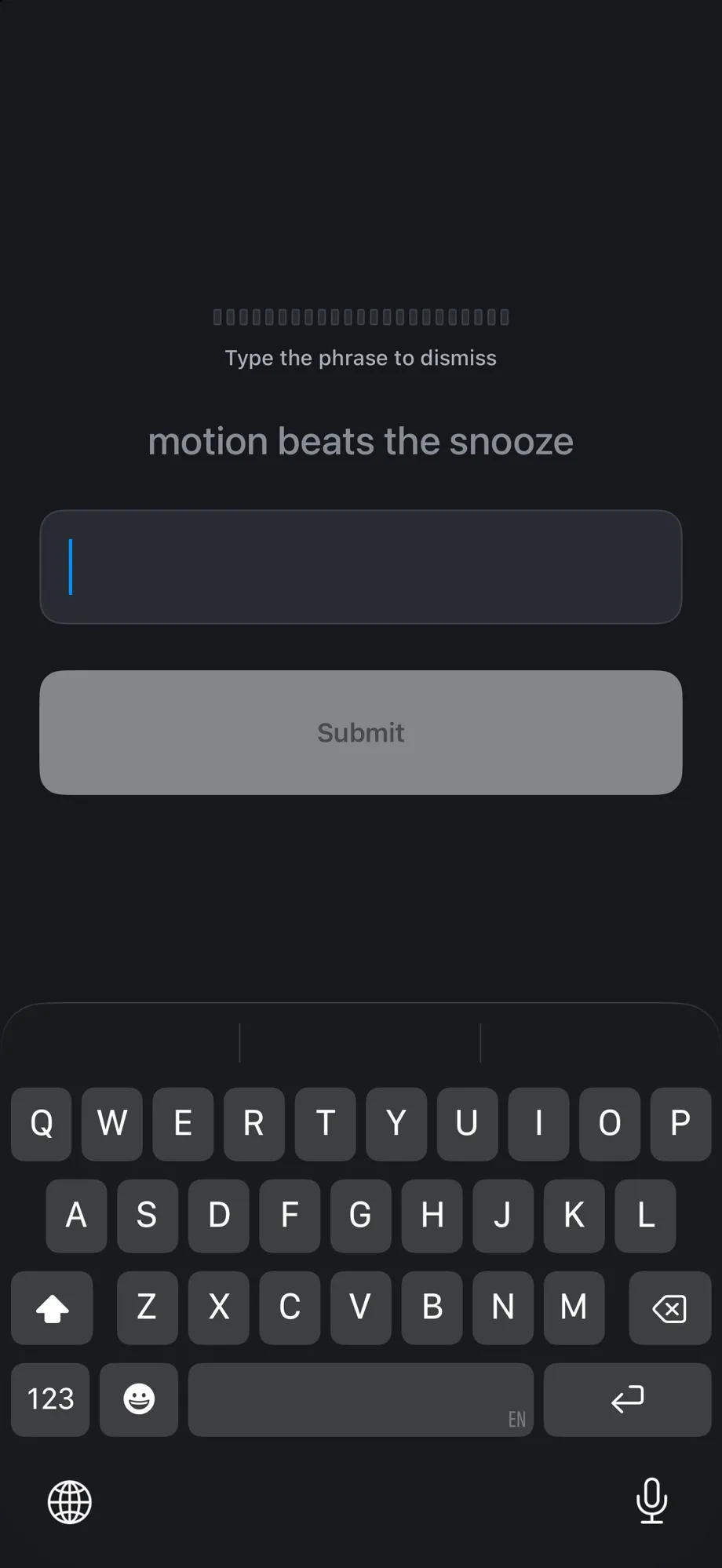
Typing Type a phrase.
-

Shake Shake the phone for a set count.
-
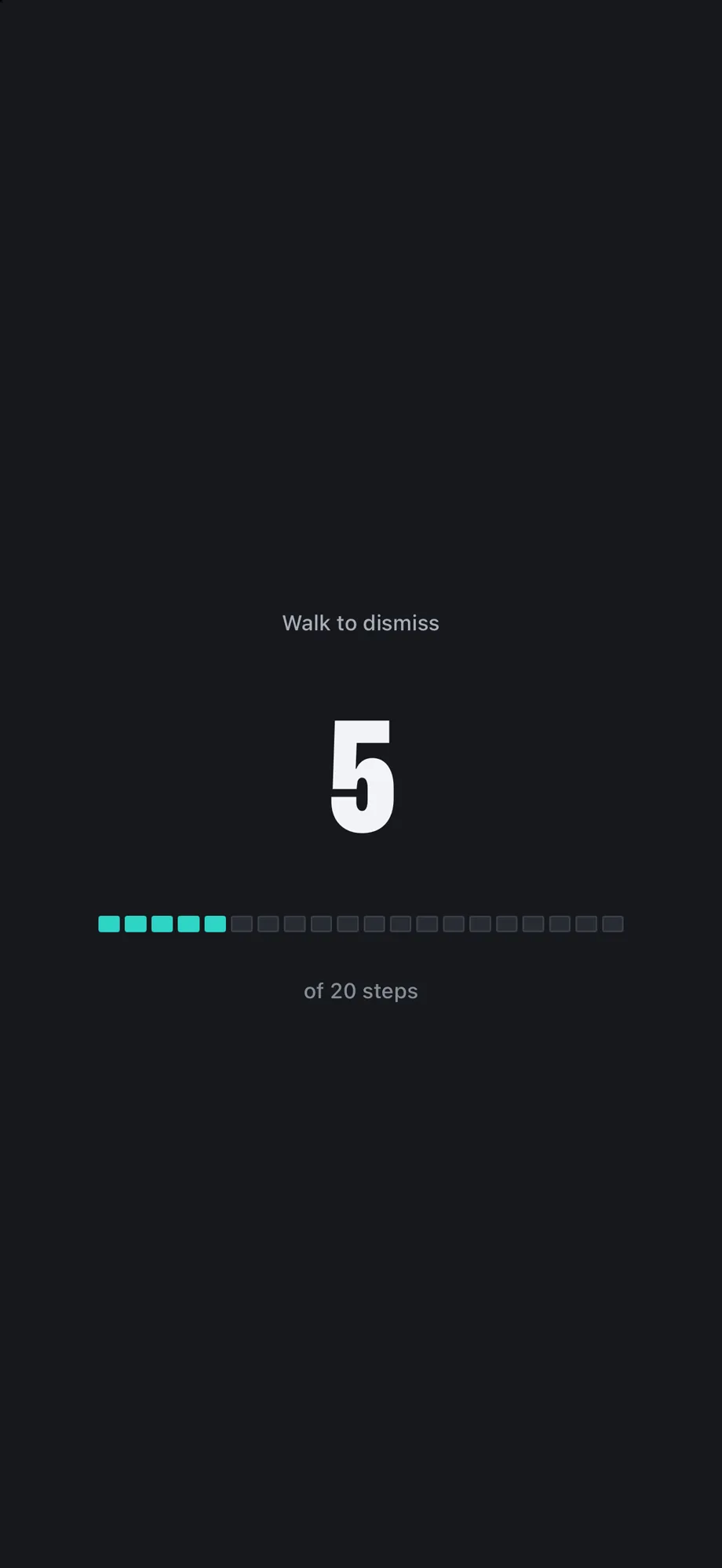
Steps Get up and walk a set number of steps.
-

Squats Do a set of squats.
-
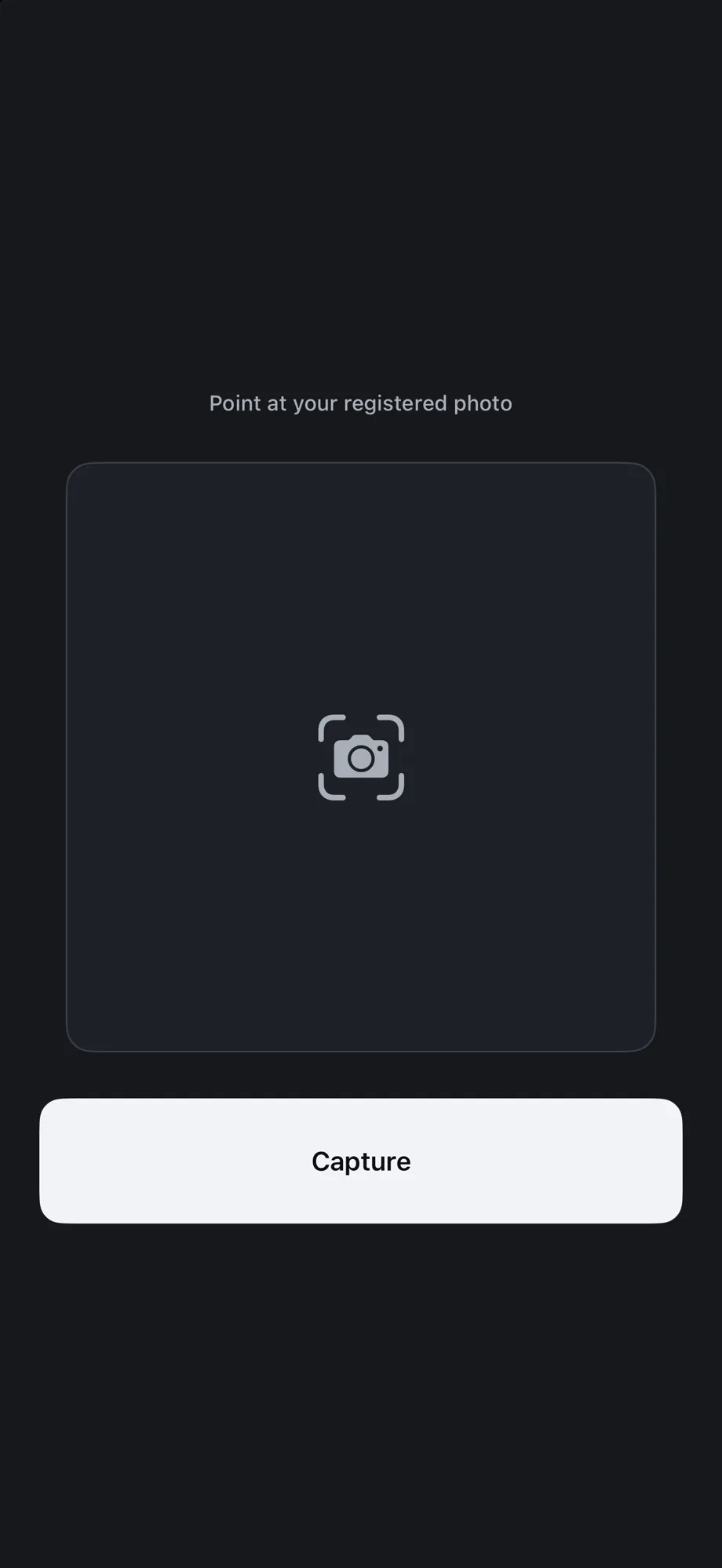
Photo Match a photo you set, of a spot away from your bed.
-

QR Scan a code you place across the room.
-
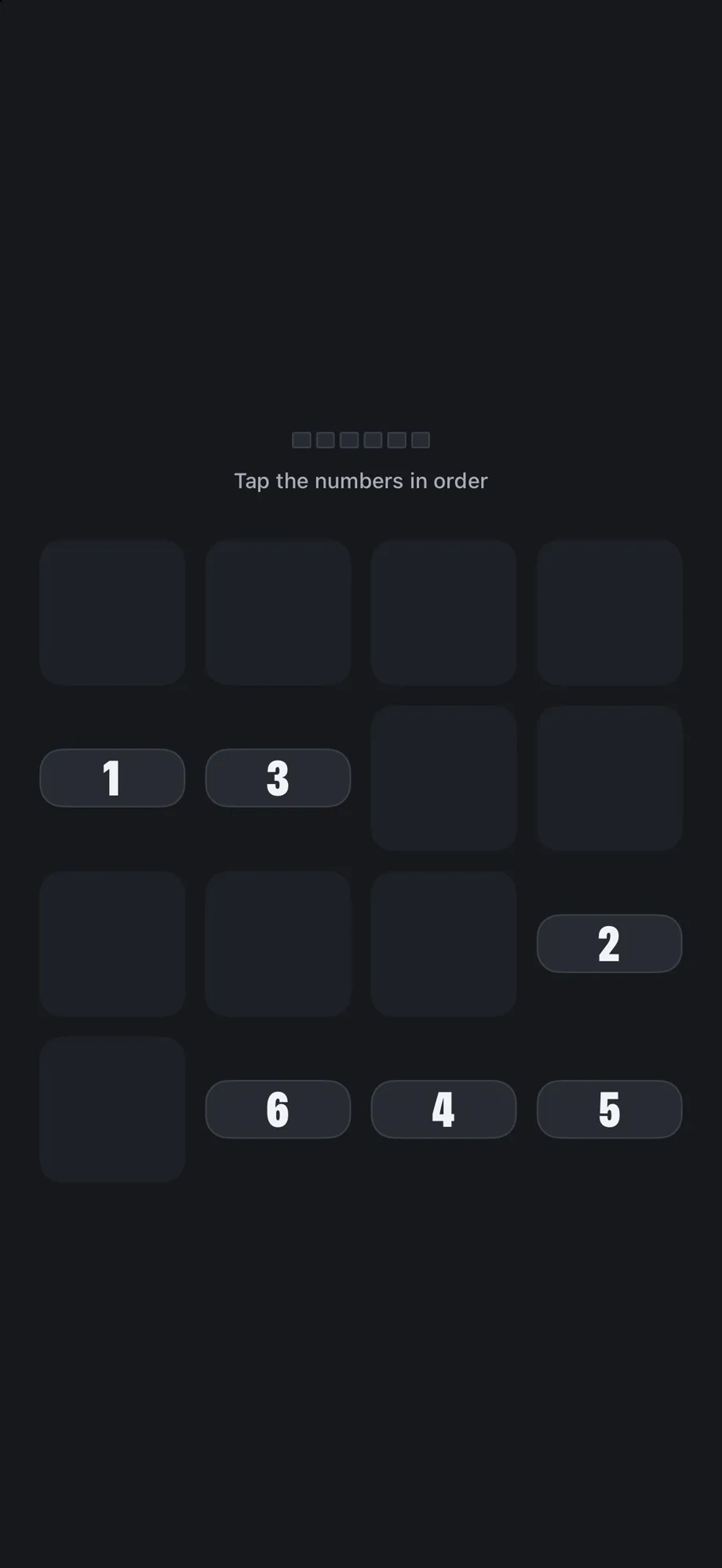
Puzzles Solve a quick puzzle.


Then the ritual.
Finish the mission and the morning ritual starts. Wake, then bank the day.
banked. same time tomorrow.

Never locks you out.
Emergency stop: hold the × for 10 seconds. It is always on screen, and each use is logged.

Questions
All questionsDoes it ring on Silent or in Focus?
Yes. The alarm rings through the silent switch and breaks through Focus and Do Not Disturb.
What if AirPods are connected?
Wakeproof schedules a system alarm through AlarmKit; iOS decides how it plays.
Does it fire if I force-quit the app?
Yes. The schedule lives with iOS. The alarm fires whether the app is open, closed, or force-quit.
What if I haven't opened the app in days?
A repeating alarm keeps its schedule with iOS. Opening the app is not required for it to fire.
Does it drain the battery?
There is no background mode. The app is not running while you sleep; iOS wakes it when the alarm fires.
Does Low Power Mode stop it?
No. The scheduled alarm fires in Low Power Mode.